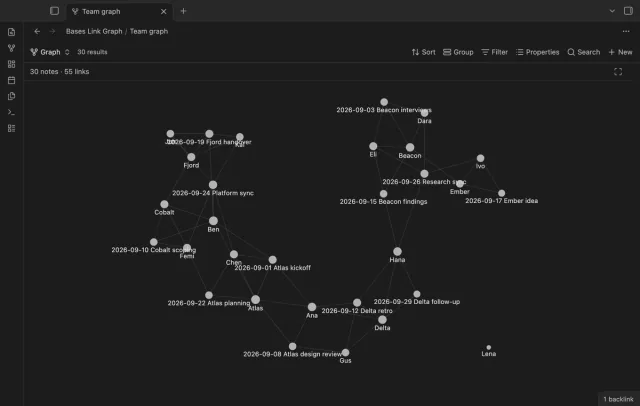
Bases Link Graph
Filter a base, and the graph shows only those notes and the links between them.
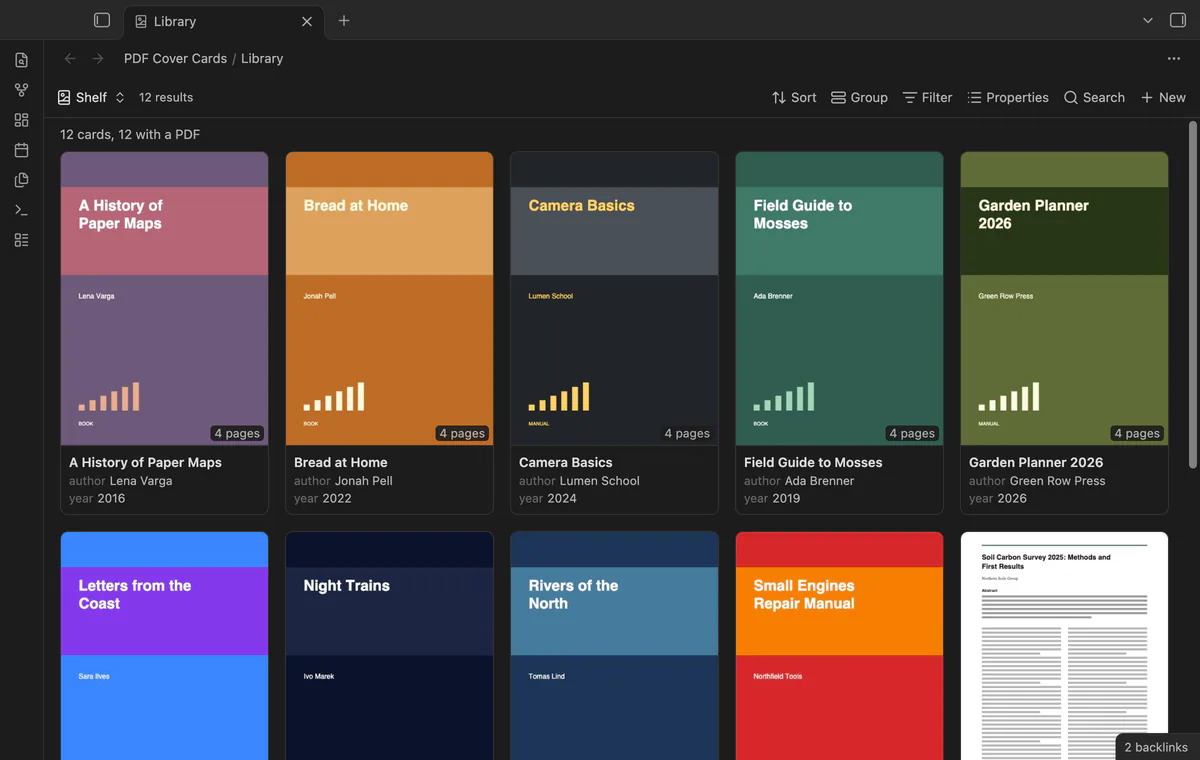
Your base of book and paper notes looks like a shelf, with page 1 of each PDF as the cover.
MIT · no telemetry · core features free
Directory facts fetched from community.obsidian.md/users/theluckystrike.
People who keep one note for each book, paper, manual or scan, with a link to the PDF.
PDF Cover Cards draws page 1 of the linked PDF on each card, so a base of notes looks like a shelf of documents. You can pick another page with #page=N. It's a layout for the core Bases plugin, so the base still selects, filters and sorts the notes.
The plugin draws the pages with the PDF reader that comes with Obsidian. It only reads your notes and your PDFs.
 Play demo

Choose a property that links to the PDF. Each card shows page 1 of that file, the note name, the properties of the view and the page count. Click a card to open the note.
A PDF file in the base is its own cover. Next comes the PDF property of the view, then the first PDF that the note links to or embeds. Add #page=N to a link to show another page, for example [[Manual.pdf#page=3]].
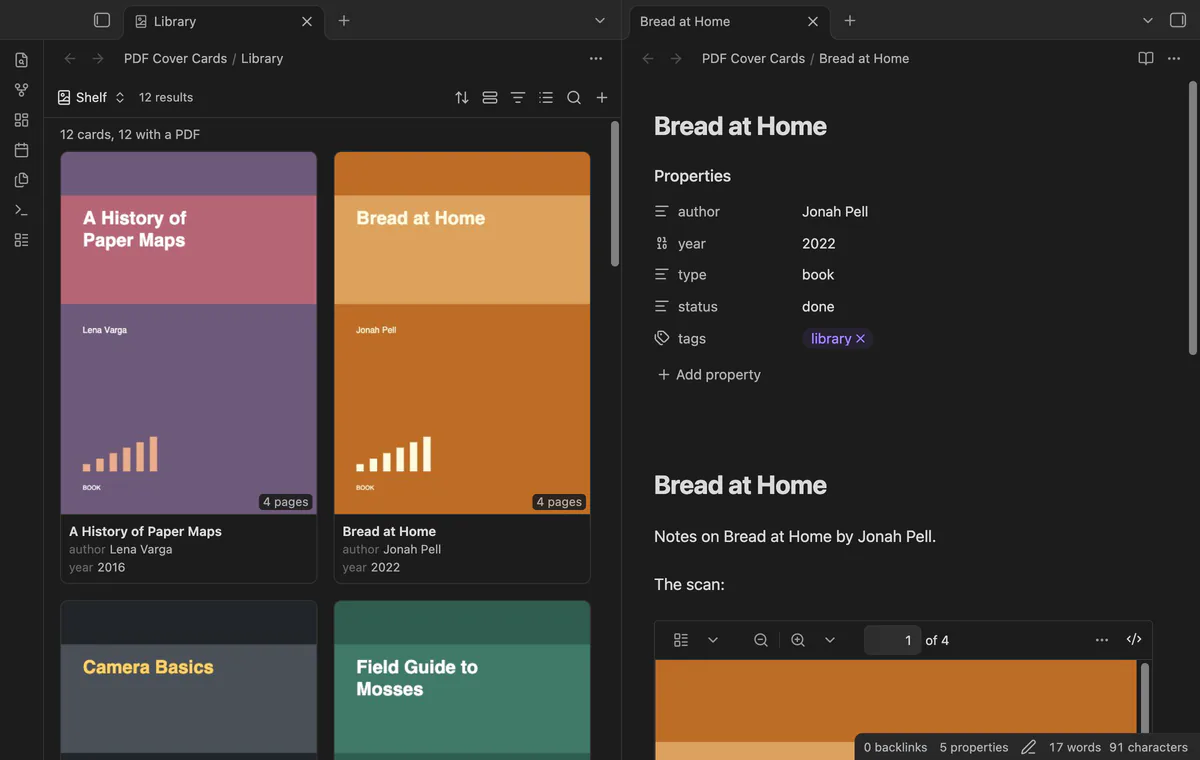
A base can select the PDF files themselves, for example with the filter file.ext == "pdf". Then each PDF is a card with its own cover.
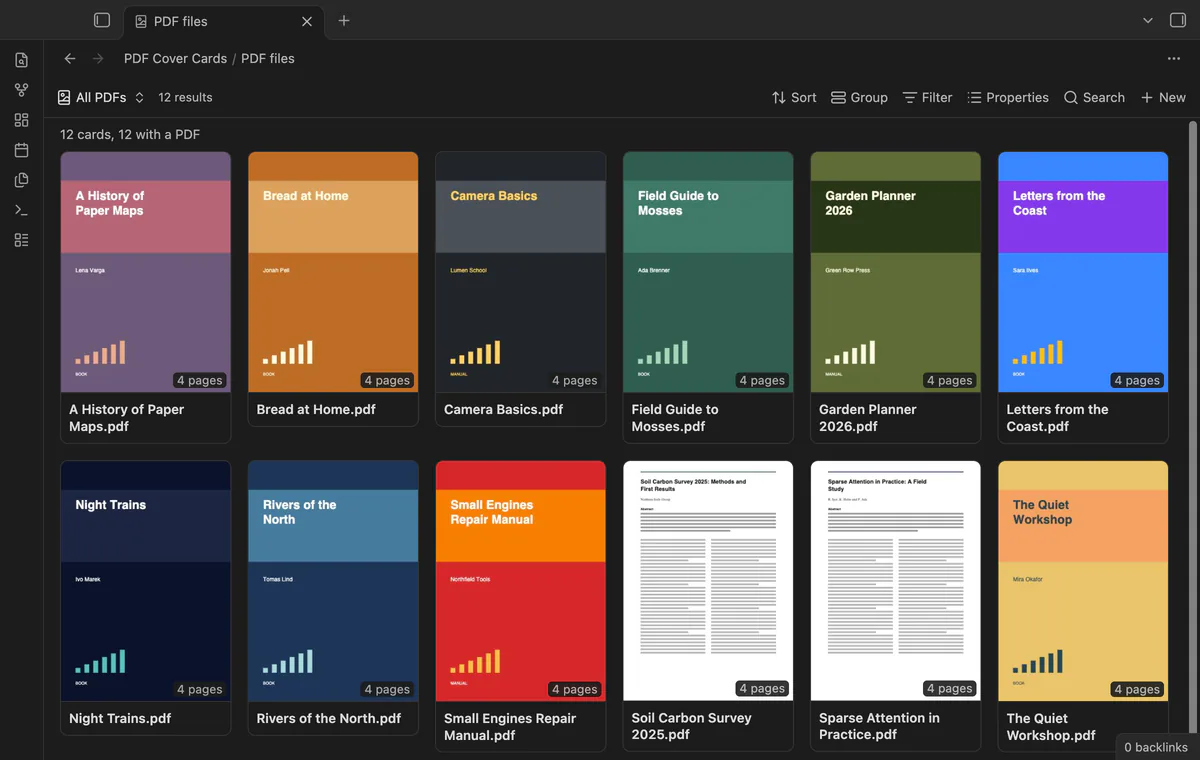
Embed the layout in any note, such as a reading list. When a PDF changes, its cover draws again.
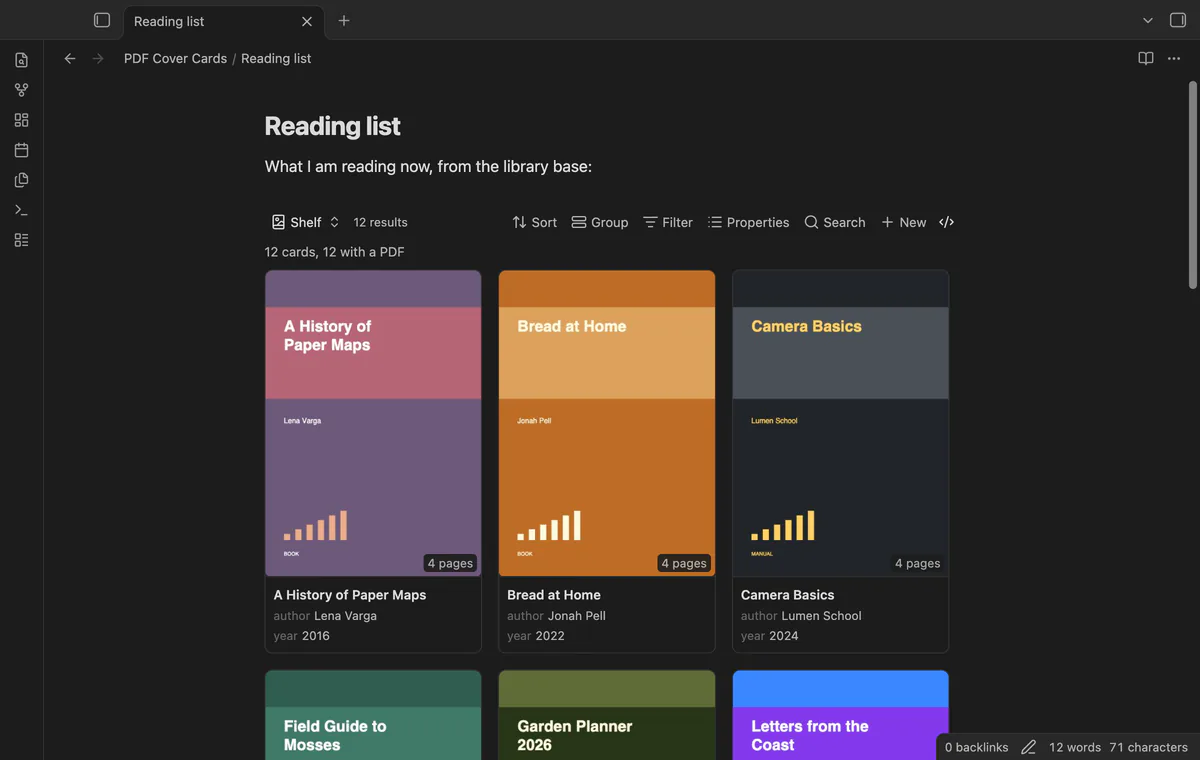
The free version draws covers for the first 30 cards of a view that have a PDF.
Pro costs $5 a month or $15 one time through GitHub Sponsors. One sponsorship turns on Pro in all 13 plugins.
The free version draws the covers of the first 30 cards of a view that have a PDF. Pro draws a cover on every card.
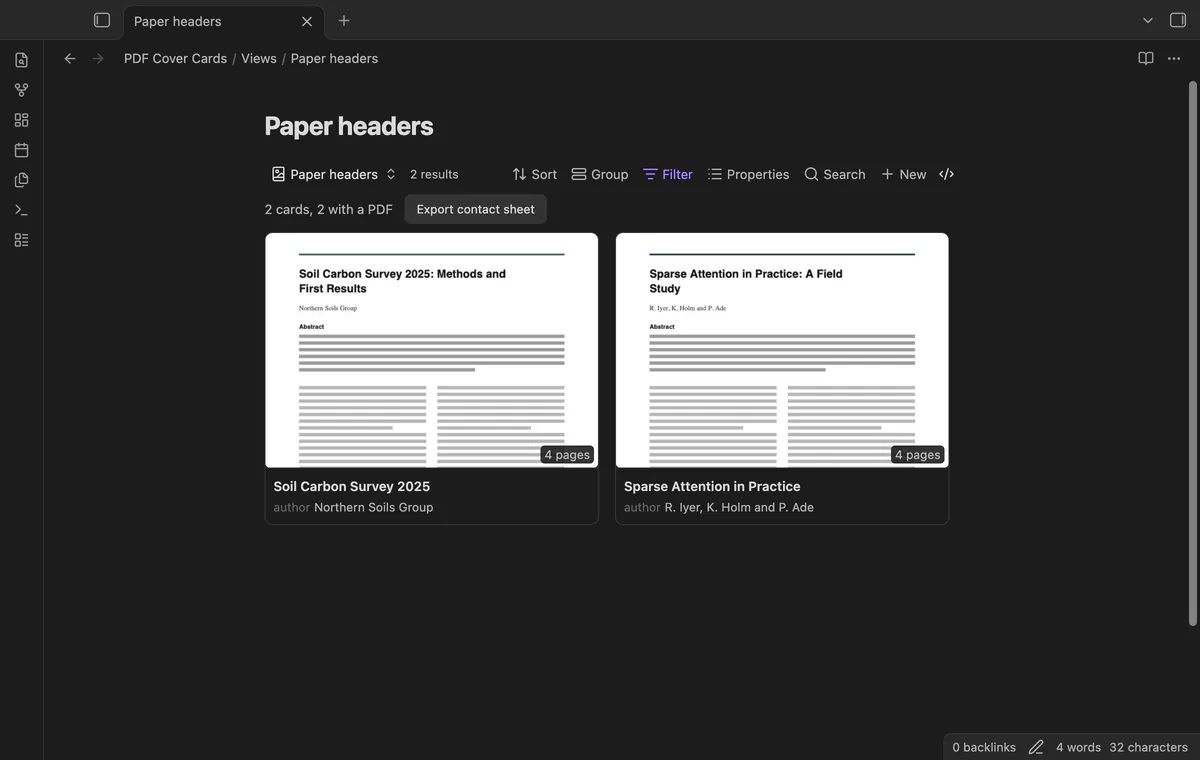
Show only the top half or the top third of the page. For papers and reports, the title and the abstract are then large enough to read on the card.
With Pro, drawn covers are saved as small JPEG files in the plugin folder. The base then shows them at once the next time. The setting Clear saved covers deletes them.
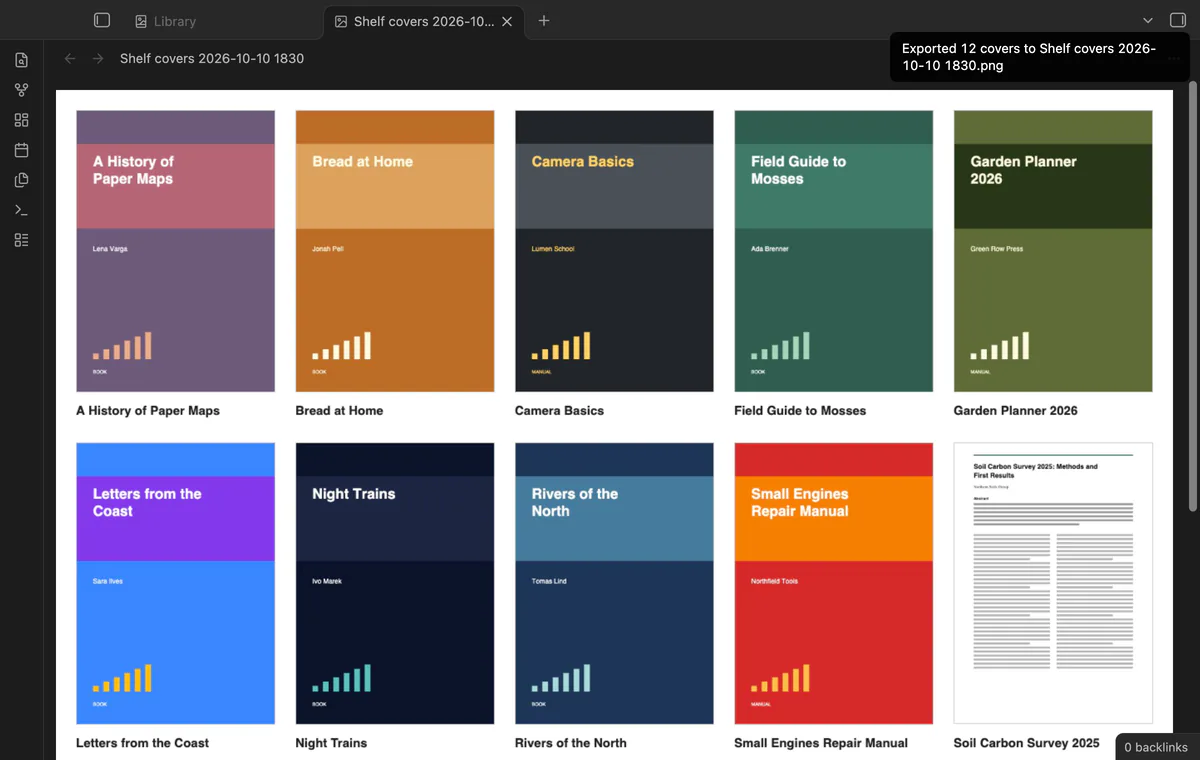
Export every cover of the view to one PNG image, with the note name under each picture. The image goes into the folder for new files.
needs
steps
Create a base, or open one, and set its filters so that it selects your document notes.
Select the view menu in the base toolbar and add a view of the type PDF covers.
Open the view options. In PDF property, choose the property that holds the link to the PDF.
Use Properties in the base toolbar to choose the properties that show under the title.
The forum request Allow PDFs as card image in Base has 16 votes and has been open since 2025-06-27. The core Cards layout shows an image property as the picture, and it shows nothing for a PDF link.
The core Cards layout shows an image property as the picture, and it shows nothing for a PDF link. PDF Cover Cards adds a layout that draws the PDF page. It needs the core Bases plugin.
No. It only reads them. The contact sheet export makes a new PNG file, and saved covers go into the plugin folder.
In the end-to-end test, a base of 200 notes drew its first 30 covers from 12 PDFs in 0.9 to 1.2 seconds. That was on Obsidian 1.14.4 on an M3 Pro Mac. The first open after the app starts is slower, and large scanned PDFs take longer.
Each PDF that the Obsidian PDF viewer opens. A damaged or locked PDF shows a short message on its card.
Add #page=N to the link, for example [[Manual.pdf#page=3]]. Wikilinks, Markdown links, embeds and plain paths all work.
PDF Cover Cards makes no network requests until you select Sign in with GitHub. Sign in uses the GitHub device flow with the read-only scope read:user. After that, one query checks your sponsorship at most once every 7 days, and it sends no vault data.
PDF Cover Cards 1.0.1, MIT license
MIT · no telemetry · core features free
Filter a base, and the graph shows only those notes and the links between them.
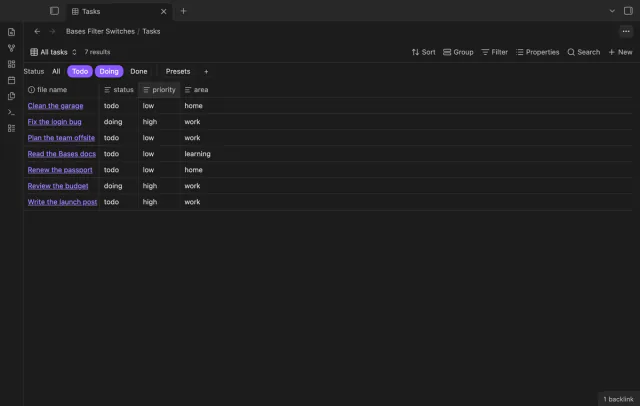
A row of switches under the base toolbar, each one a saved filter you turn on or off with a click.